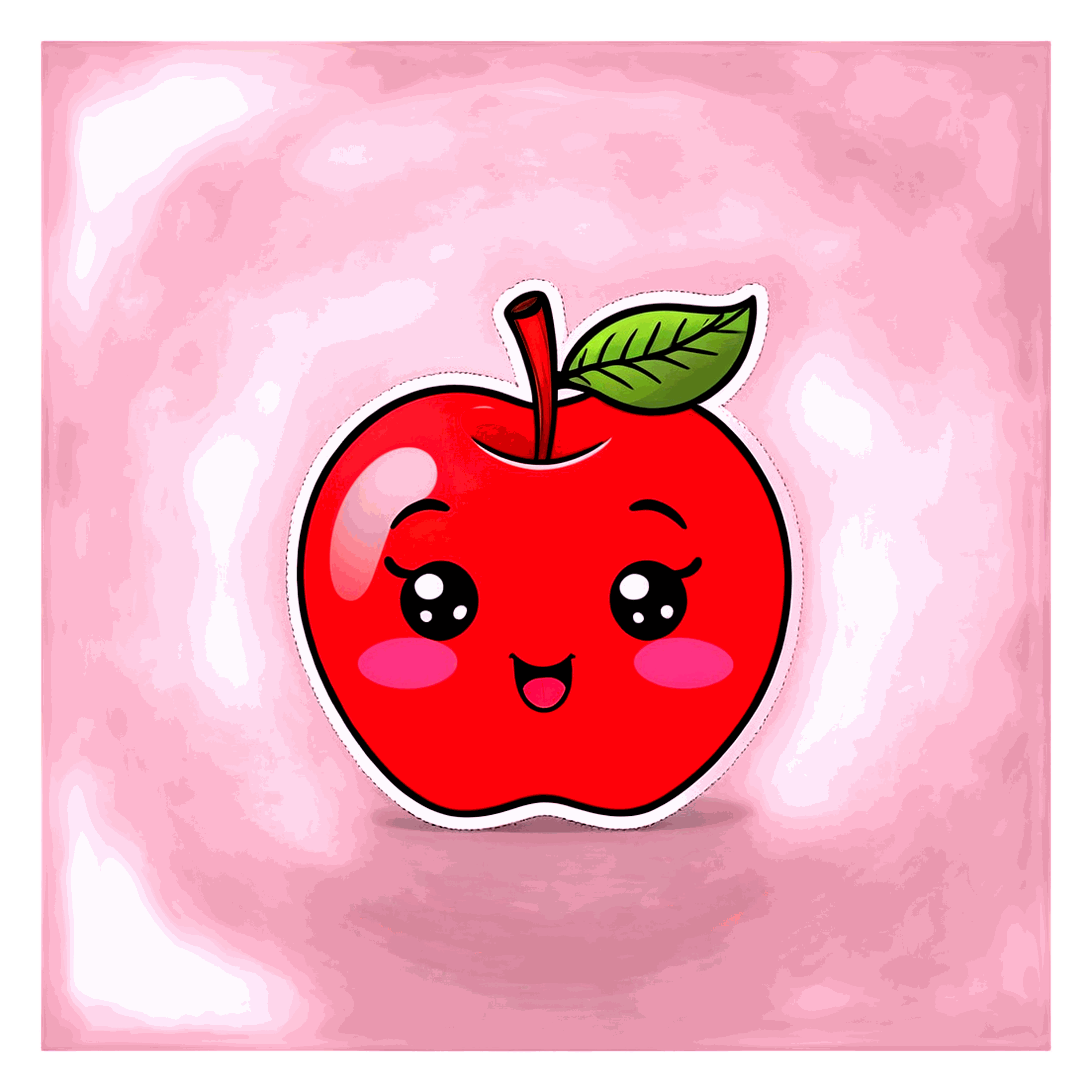
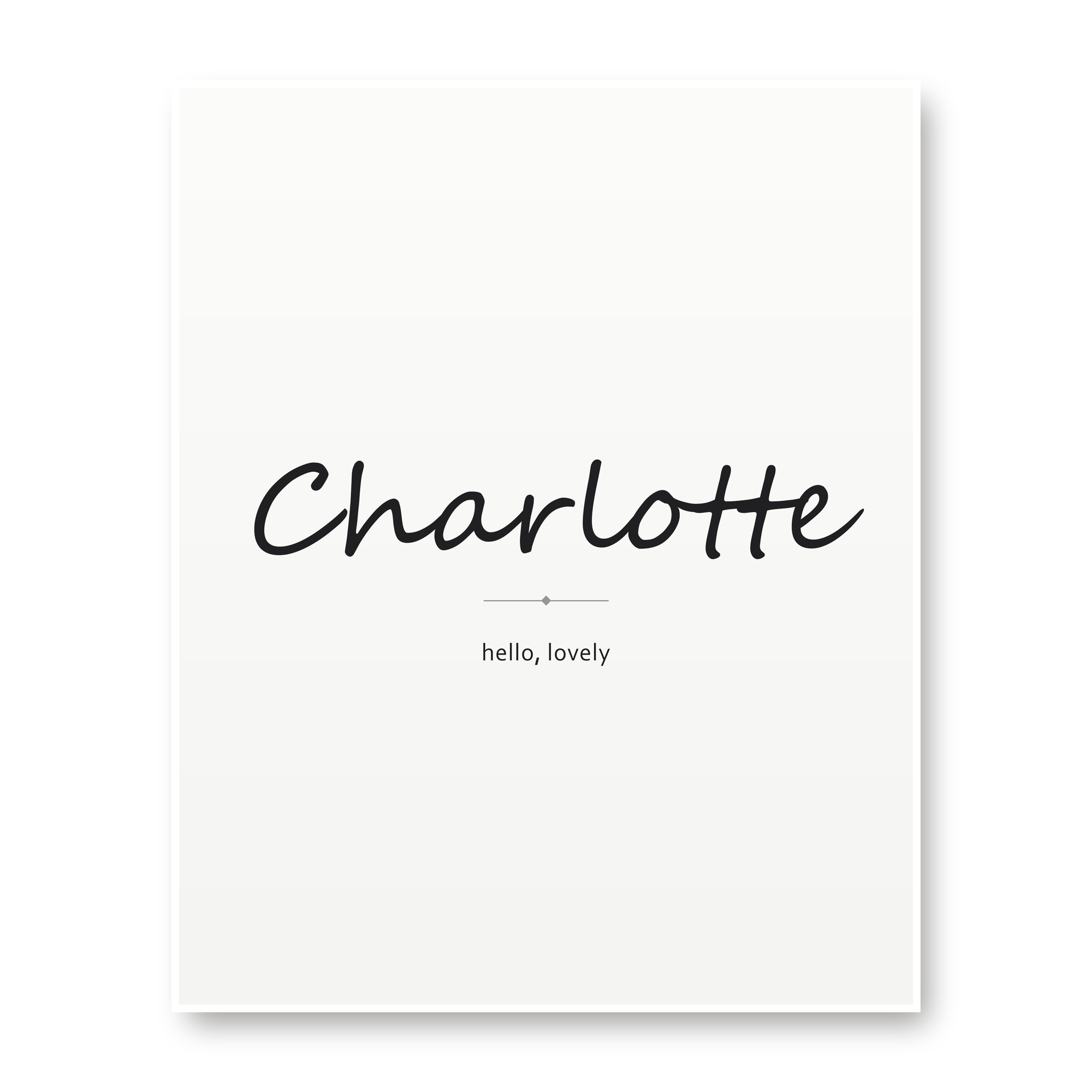
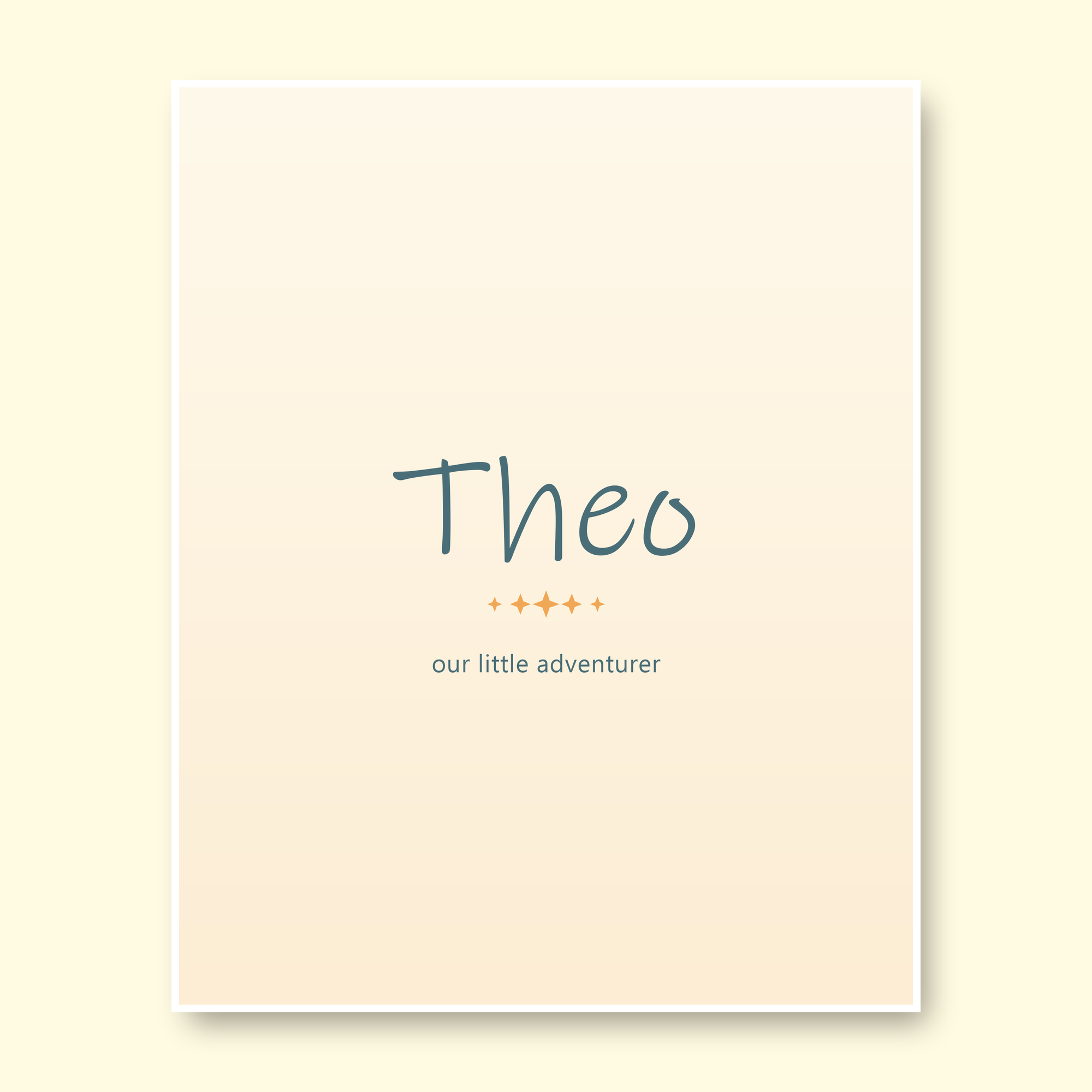
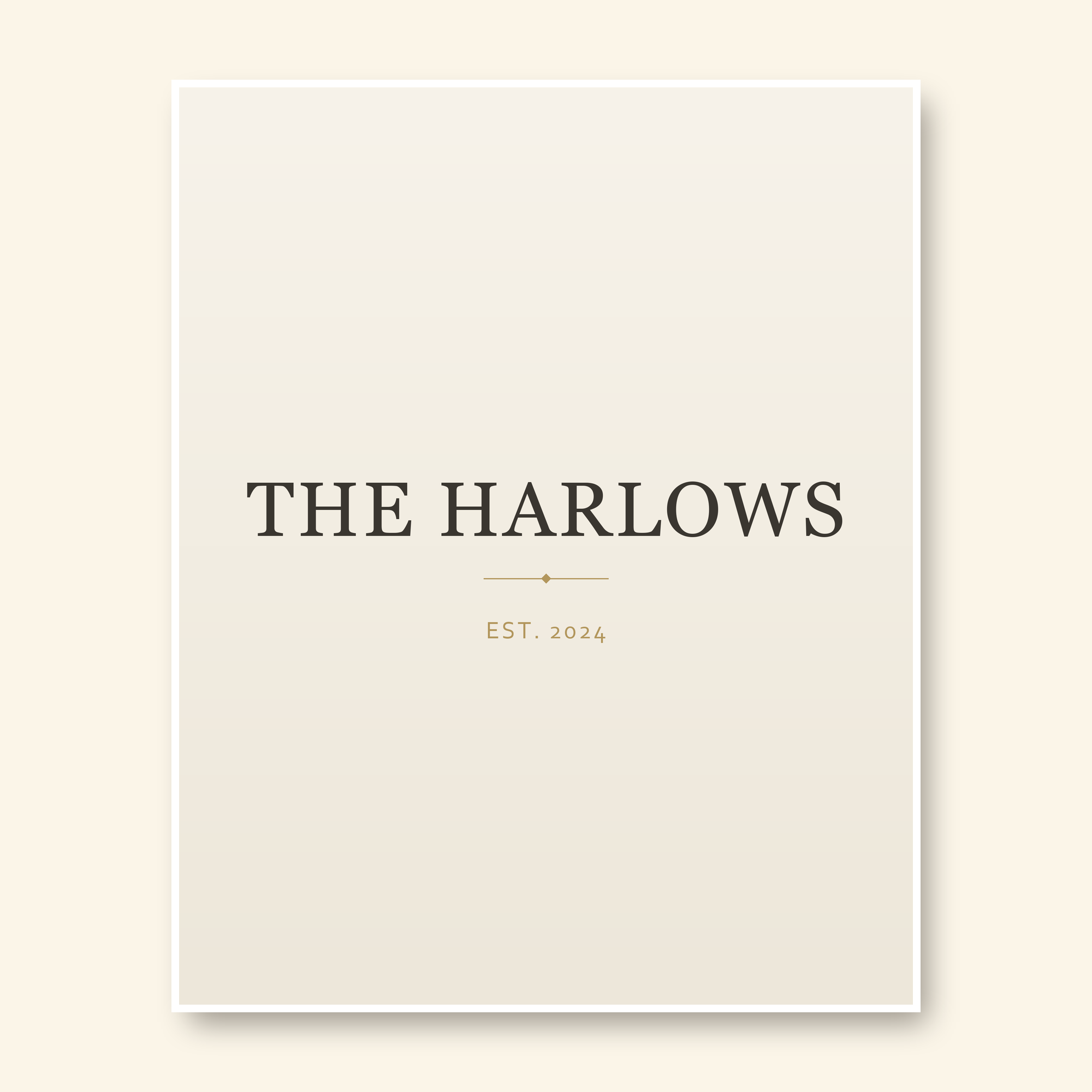
Discovering Perfect iPhone Wallpapers: A Buyer's Guide
At Guilds & Grains, we're passionate about helping you find the perfect digital art to enhance your device’s aesthetic and personal style. With so many options available in the vast world of iPhone wallpapers, it can be challenging to know where to start. This guide is designed to help you navigate through the selection process and make an informed choice that best suits your taste and needs.
What to Look For
When browsing for iPhone wallpapers, consider a few key elements to ensure you find something truly special:
- - Aesthetic Alignment: Start by thinking about what kind of visual style resonates with you. Are you drawn to minimalist designs or intricate details? Do you prefer warm tones or cooler hues? By understanding your aesthetic preferences, you'll narrow down the options and make finding the perfect wallpaper much easier.
- - Resolution Quality: It's crucial to ensure that any iPhone wallpaper you choose is high resolution to avoid pixelation when viewed on your screen. This will allow for a crisp and clear image that complements your device’s display technology perfectly.
- - Personal Significance: Consider choosing wallpapers that carry personal meaning or inspire you daily. Whether it’s a favorite quote, an inspiring scene from nature, or a symbol of personal achievement, these types of images can add depth to your digital experience beyond just aesthetics.
How to Choose
Choosing the right iPhone wallpaper involves more than just scrolling and selecting; it requires careful consideration:
- - Explore Various Themes: Don't limit yourself to one theme. Explore different categories like landscapes, abstract art, minimalist designs, or even pop culture references to find something that speaks directly to your personality and mood.
- - Customization Options: Some wallpapers come with customization features such as color adjustments or layer opacity controls. These options can allow you to tailor the wallpaper perfectly to match your device's background settings or personal preferences.
- - Feedback from Others: Look for user feedback and recommendations on platforms where artists share their work. Social media groups, forums, and artist pages often provide insights into which wallpapers are most appreciated by a community of like-minded individuals.
Practical Uses & Ideas
Once you’ve chosen the perfect iPhone wallpaper, consider how it can be used to enhance your daily experience:
- - Setting Motivational Goals: Use motivational quotes or images that inspire you throughout the day. This can serve as a subtle reminder of your goals and aspirations when you look at your device.
- - Seasonal Updates: Change your wallpapers seasonally to reflect changing moods, holidays, or personal milestones. This keeps your experience fresh and aligns with the ever-evolving nature of life's events.
- - Personal Branding: For professionals or creatives, a well-chosen wallpaper can act as a digital business card. Opt for something that reflects your brand’s aesthetic and values to make an impression on clients and colleagues.
Common Mistakes
To avoid common pitfalls when searching for iPhone wallpapers:
- - Overlooking Custom Fit: Many users overlook the importance of custom fitting their wallpaper perfectly to their device's screen size and resolution, leading to pixelation or blurry images. Always ensure your chosen wallpaper is designed specifically for iPhones.
- - Ignoring Personal Taste: While it’s tempting to follow trends, remember that the best iPhone wallpaper is one that aligns with your personal style and preferences. Don’t settle just because something is popular; find what truly resonates with you.
- - Neglecting Maintenance: Changing wallpapers regularly can keep your phone looking fresh and engaging. Neglecting this can lead to a dated or uninspired aesthetic over time, so consider setting reminders to update your wallpaper every few months or as seasons change.
FAQ
How Do I Change My iPhone Wallpaper?
Changing your iPhone wallpaper is straightforward:
1. Go to the Photos app on your iPhone.
2. Find and select the image you wish to use.
3. Tap "Share" and then "Use as Wallpaper."
4. Confirm by tapping "Set."
Can Wallpapers Impact Battery Life?
While wallpapers themselves don’t typically affect battery life, very complex or animated backgrounds might cause minor performance impacts. For best results, stick with high-quality static images optimized for iPhone.
How Often Should I Update My Wallpapers?
Updating your wallpaper regularly can keep your device looking fresh and exciting. Consider changing it seasonally or whenever you feel the need to refresh your digital environment, typically every few months.